OnlyFans spending on free pages looks harmless page by page, yet the total rarely matches what you remember. A free page sets its base price to $0 and earns through pay-per-view messages and tips instead, so nothing arrives as a neat monthly bill. Tracking monthly spend across free OnlyFans pages means one log that captures every unlock, tip, and paid chat in a single number you can review. This guide builds that sheet from scratch and shows what the total says about your paid options. BestOnlyFans published this breakdown as part of its plain-language platform guides.
Combined, several pages often cost more than a single paid tier, and the subscriber only notices at the end of the month.

Why Multiple Free Pages Hide the Real Total
What remains is a series of small, separate charges: an unlock here, a tip there, a short paid chat somewhere else. None of them looks large enough to remember, and none of them is grouped with the others.
OnlyFans takes 20% of everything and the creator keeps 80%, which means every tip and unlock is processed as its own transaction. Your card statement shows a stream of small amounts with no page name attached to any of them.
- Each page bills separately, so no single statement line lists five pages together.
- Unlocks feel like one-off purchases rather than recurring costs.
- Tips are voluntary and easy to forget within hours of sending them.
- Paid chat is charged per message, so a short conversation splits into several small charges.
- There is no built-in spending dashboard that combines activity across followed pages.
That last point matters most. OnlyFans has no built-in discovery feed or directory, and it also has no consolidated view of what you spent across the pages you already follow. Ranking sites exist to help with discovery, but the math problem is yours to solve.
Tip: Before you build anything, scroll through the last 30 days of card activity and highlight every charge between $1 and $50. Most people find three or four they had already forgotten.
Choosing What to Track
A spending log only works if the columns stay few enough to fill in during a spare minute. Five fields cover almost everything a $0 page can charge you, and each one answers a different question later.
- Page name or handle — so the monthly total can be split by creator when you review the list.
- Date of the charge — weekly patterns show up fast once dates are recorded.
- Unlock amount — the price of each pay-per-view message you opened.
- Tip amount — kept separate from unlocks so you can see which habit costs more.
- Paid chat total — the running sum per conversation, not per message.
Add one optional column for a short note: what the unlock actually was and whether it was worth it. That single sentence does more for future decisions than any amount of hindsight later.
Category tags, screenshots, and ratings can all wait until the habit of logging is established. A sheet with five filled columns beats a sheet with twelve empty ones.

One Sheet, All Pages
The sheet itself can live in any tool you already open daily: a spreadsheet, a notes app with a table, or even a running document. What matters is that one file covers every followed page instead of one file per page.
Structure the top block as a simple log and leave the bottom for a monthly summary. Every row is one charge, never a daily total, because a daily total hides which page caused the spike.
| Column | Example Entry | Purpose |
|---|---|---|
| Date | 14th | Places the charge in the right month and shows weekly patterns |
| Page handle | @examplepage | Lets you total spending per creator at review time |
| Type | Unlock | Separates unlocks, tips, and paid chat |
| Amount | $12 | Feeds the monthly sum directly |
| Note | Two-message bundle | Records what the money bought |
Keep a second small block underneath for the monthly figure: one line per page, plus a grand total. Recalculating that by hand once a month takes under five minutes and keeps you close to the numbers.

If a charge ever looks wrong, the help centre and its payment support pages explain how to raise a billing question. Logging the amount first means you can describe the charge precisely instead of guessing.
Weekly Check-Ins Versus Monthly Reviews
Monthly reviews alone produce one predictable problem: you open the sheet on the 30th and reconstruct four weeks of small charges from memory. Weekly entries remove that reconstruction almost entirely.
- Pick a fixed day and time, such as Sunday evening, and open the log.
- Scan the week’s card activity for any charge tied to a followed page.
- Add one row per charge with date, handle, type, amount, and a short note.
- Update the running per-page totals at the bottom of the sheet.
- Write one sentence about whether the week felt worth its total.
A $3 paid chat from Tuesday is obvious on Sunday and invisible three weeks later.
Weekly check-ins also catch problems early. A duplicate unlock charge or an unexpected renewal shows up while the details are still easy to verify, and card disputes are simpler when the date and amount are already written down.
You read the summary, compare it with last month, and decide whether anything needs to change.
Adding Up PPV, Tips, and Paid Chat
Three cost types behave differently and should stay in separate columns until the monthly total is calculated. Unlocks are deliberate purchases, tips are voluntary, and paid chat accumulates message by message.
Pay-per-view messages can unlock up to $50 each, though most sit far below that ceiling. Paid chat commonly runs $3 to $5 per message, which is why a short exchange can quietly outgrow a single unlock. Tips are open-ended and can reach $100, so they deserve their own line.
- Total each category separately for the month: unlocks, tips, paid chat.
- Add the three category totals together to get the monthly figure.
- Divide that figure by the number of active pages to see the average per page.
- Compare the average against the largest single charge to see where the weight sits.
- Write the final number at the top of next month’s sheet as a reference point.
One detail surprises most people: the average per page is usually small, while the combined total is not.

If the total pushes you to trim the list, the cancel-subscription flow is straightforward, and any access you already paid for lasts until the current period ends.
Comparing the Total to Paid Options
Paid base subscriptions run from $4.99 at the minimum to $49.99 at the maximum, with most typical tiers sitting between $4.99 and $15 and averages clustering around $5 to $10.
| Monthly Unlock Total | Paid Tier Equivalent | Verdict |
|---|---|---|
| Under $5 | Below the $4.99 minimum | Free pages remain the cheaper route |
| $5 to $10 | Entry paid tier | Roughly equal; choose by content preference |
| $10 to $15 | Mid paid tier | A paid page would include everything for one price |
| Above $15 | Upper typical range | Paid options usually deliver more per dollar |
The comparison is not purely financial. A paid tier includes all its content for one predictable charge, while free-page spending buys only what you chose to unlock.
Watch for promotional pricing when comparing. First months can run below $4.99, such as a $3 introductory offer, but the base price may not sit under the minimum. Note the renewal price before treating a promotion as the real cost.
One more rule matters here: when a creator raises the price, auto-renew stops and existing access lasts until the paid period ends. That protects you from silent increases but also means a paid tier can lapse without warning.
Using BestOnlyFans to Frame Expectations
Ranking pages that publish their methodology can help you set rough expectations before you follow a new $0 page. If a page is reviewed alongside notes about how often it posts paid content, you can estimate a realistic monthly unlock figure in advance. BestOnlyFans keeps its scoring criteria visible, which makes those expectations easier to audit than a bare list of links.
Readers who want to browse before committing can compare free onlyfans profiles side by side and check how each page structures its paid content. That comparison costs nothing and often prevents a follow that would have added a forgotten charge every week.

Adjusting the Following List
The log exists to inform one decision: which pages stay on the list. After two or three monthly reviews, patterns become obvious, and the choice stops being emotional.
- Keep pages where the logged cost is low and the notes show consistent value.
- Mute pages you still enjoy but that drive most impulse unlocks.
- Unfollow pages with steady charges and no positive notes across two months.
- Recheck any page with a single charge above $20 before deciding.
- Pause the whole list for one month if the total exceeds your planned budget.
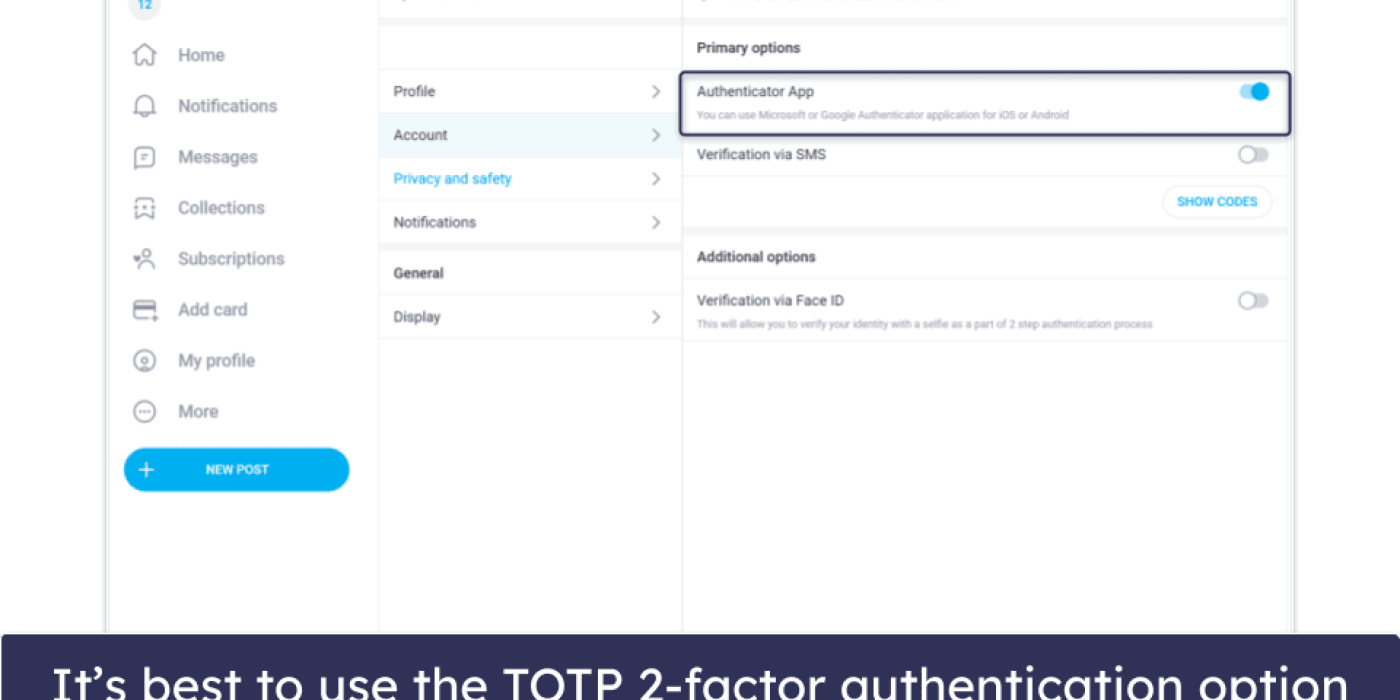
Security habits belong in the same review. Two-factor authentication on the account, a card you can freeze quickly, and a working knowledge of common phishing tactics all reduce the damage of a bad charge, since fake unlock offers circulate in messages.
Budget references help too. A simple monthly cap, reviewed against the log, turns an invisible habit into a visible line item, and many budgeting guides describe exactly how to set one.
FAQ
How do I add up spending across several free OnlyFans pages?
Use one sheet with a row per charge and a summary block at the bottom. Total unlocks, tips, and paid chat separately, then add the three totals into a single monthly figure that covers every followed page.
Should tips be tracked separately from PPV unlocks?
Yes. Tips are voluntary and open-ended, while unlocks are priced purchases, so mixing them hides which habit drives the total. Separate columns make the pattern visible at review time and show where to cut back first.
What is a typical paid chat cost per message?
Paid chat commonly runs $3 to $5 per message, which means a short conversation can add up quickly. Record the running total per conversation rather than per message so the log stays readable.
At what monthly total does a paid subscription make more sense?
Once your logged total passes $15, a mid-range paid tier at $4.99 to $15 usually includes more content for one predictable charge. Below $5 the free pages stay cheaper, and between $5 and $10 the choice comes down to which content you actually use.